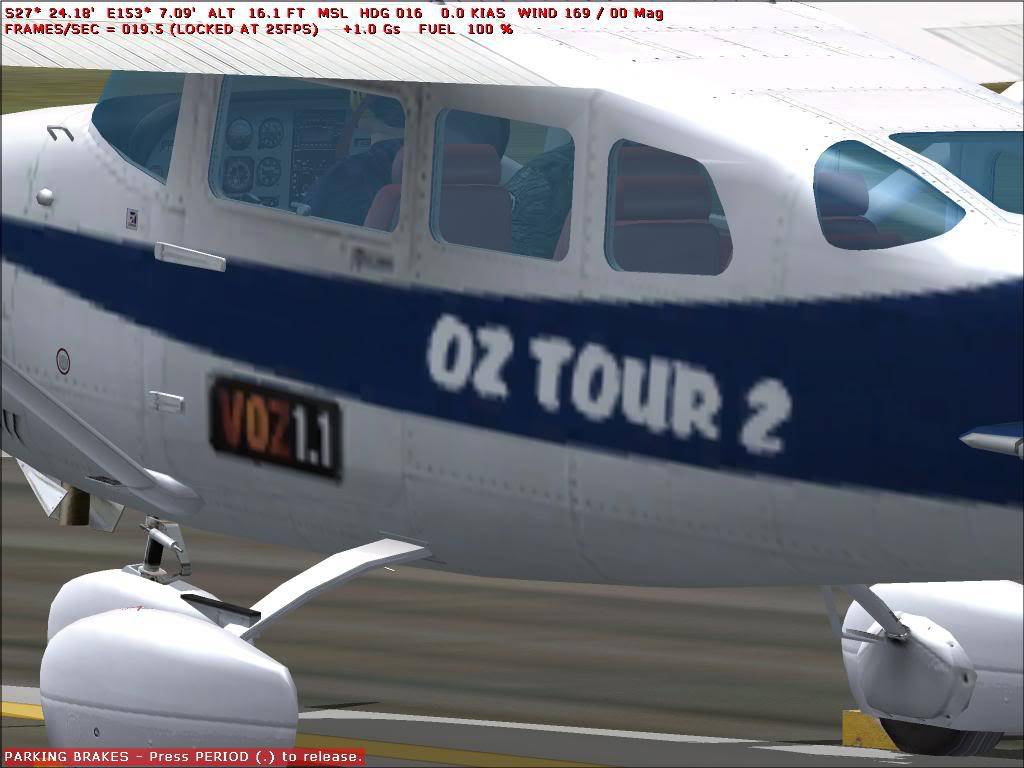
Asked

Hinch has made me a wonderfull repaint which I wanted to tweak a little.

The original bmp's he sent we works finer and were very clear but when I added a logo and some writing, using DXTbmp to convert my edited files to "Extended 32 bit 888-8" they came out real bad quality in the sim:
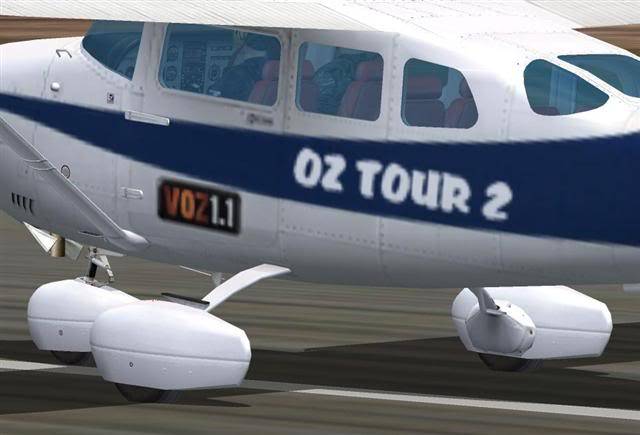
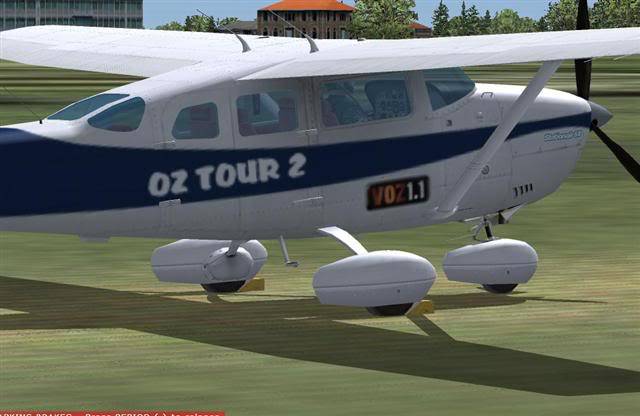
Can someone explain to me what I did wrong and how I can fix it?

Cheers

Answered

do not save in that format! it's poo.

save it as a DXT3 and all shall be well 🙂

888 format is 32bit (so looks awesome) BUT usually saves with mip-maps - 8 versions of the texture getting lower and lower in resolution. your computer is meant to choose the right resolution depending on distance or amount of ram or something - but usually it doesn;t do what it's meant to.

Answered

Hi Hinch,
Thanks for your reply.
I saved it as DXT3 and it came out even worse: !

Answered

in dxtbmp there is a box on the right saying 'mip maps', make sure both tick boxes are unchecked and scaling filter is set to 'none'. then save as DXT3 🙂

Still does not answer your question? Ask a new question!

If the question and answers provided above do not answer your specific question - why not ask a new question of your own? Our community and flight simulator experts will provided a dedicated and unique answer to your flight sim question. And, you don't even need to register to post your question!

Ask New Question...