First Repaint in under Five minutes !



Thanks Radar Man FSRepaint worked well, after i get to know the program better this will be awsome. 😀
 11 Answers
 Jump to latest

reminds me of the JDF (Jamaica Defense Force... Jamaica's Air Force...)
Not bad for a first try there. Not bad at all...

Set the time for 10am and take the screenshot from the right (starboard) side so we can see it clearly.

I know i got alot to learn about repaint, haven't evan hade time to go threw the tuturial that comes with MSRepaint but im glad i come do atleast this for know 😀
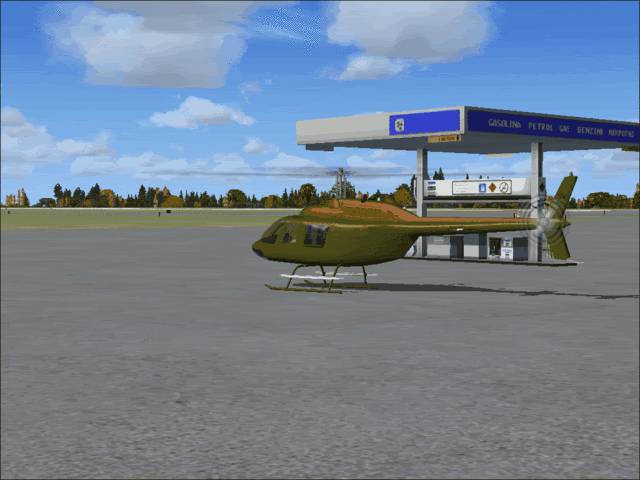
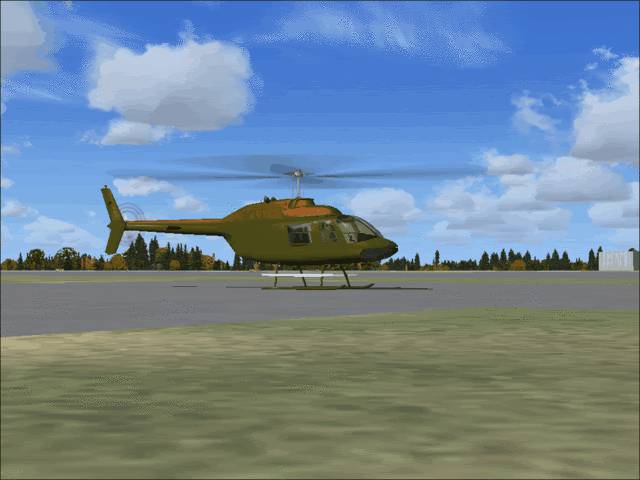
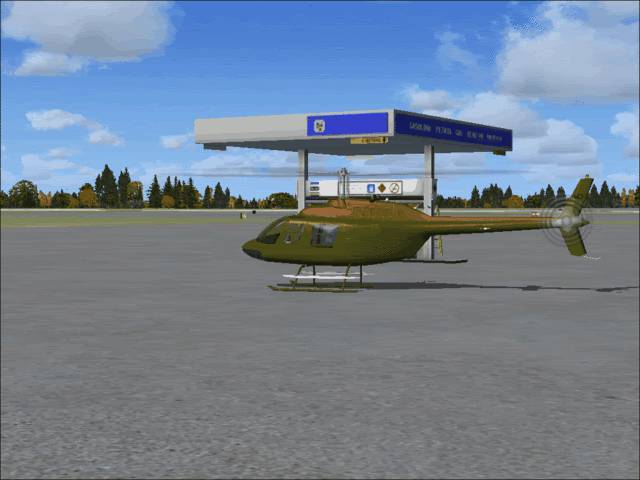
These might look better 😀
.
.
Oh, I need to know how to put pics in a row too 😀
Not bad for a first try, not bad at all.
To get them below each other just put the links in a row, not in a straight line.
Edit: I fixed them.
test
Nice thanks 😉 Know to alittle more complicated question. I niticed when i edited that i lost all detail lines, is there a way to keep detail lines and just paint color? What i am refering to is something i saw at simpaintshop. I think it was a pluggin or something called bleach white, where it got rid of all color except black which means all detail line or most would still be intact, does any body know about that and is it conpatible with FSRepaint ? 😀
All so if i erase my photoes at photobucket will they be erased in this forem too ?
I don't paint, wait for someone with experience.
If you delete them on photobucket they will disappear from here.
It's called hotlinking.
from my experience...
the "detail lines" are usually added as an overlay or "alpha layer" on SOME aircraft textures... however FSRepaint has a flaw in that you cannot separate the alpha layers (that I know of).
How I have been able to work with it was to open the texture files in imagetool (which is part of the FS2004 gamepacks folder), convert the files to a media I can use in photoshop like a .tga (targa) file... then work on the layer with the color.
When I am done I put it all back together and convert it back to its original format in imagetool, and that seems to do the trick.
Be forewarned... it is pretty complicated work, and you WILL need a program like photoshop to pull it off.
There may be an easier way to do this... but I have not been introduced to it yet.
Depending on the colors you plan on painting, you may lose the detail lines anyways... darker colors tend to do that.

Still does not answer your question? Ask a new question!
If the question and answers provided above do not answer your specific question - why not ask a new question of your own? Our community and flight simulator experts will provided a dedicated and unique answer to your flight sim question. And, you don't even need to register to post your question!

Search our questions and answers...
Be sure to search for your question from existing posted questions before asking a new question as your question may already exist from another user. If you're sure your question is unique and hasn't been asked before, consider asking a new question.
Related Questions
Flight Sim Questions that are closely related to this...

