New FSX Carrier



Just outside of Vegas... 🤔
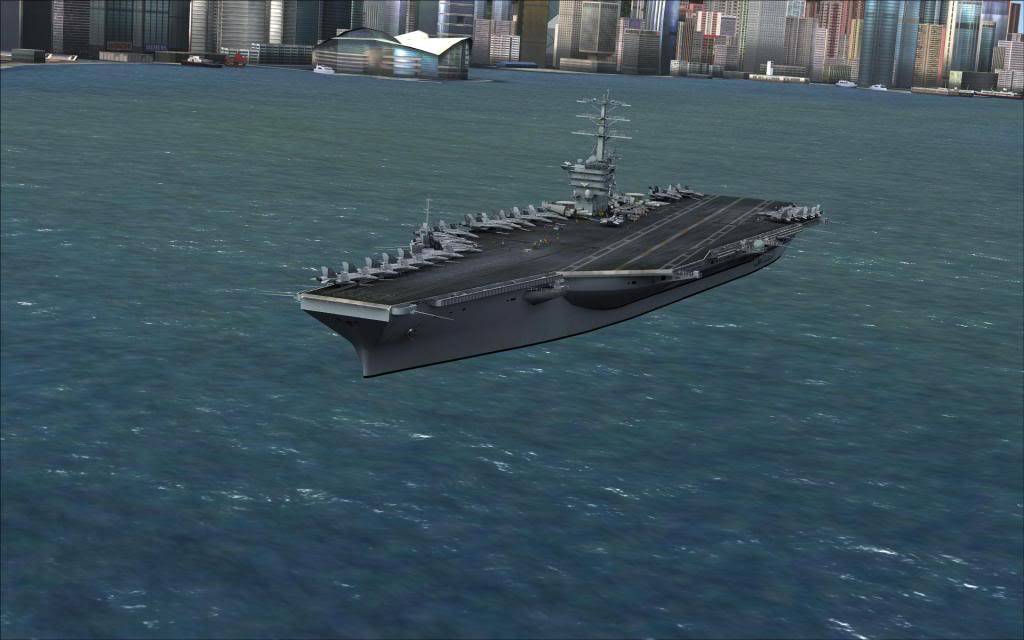
...what on earth... 😳
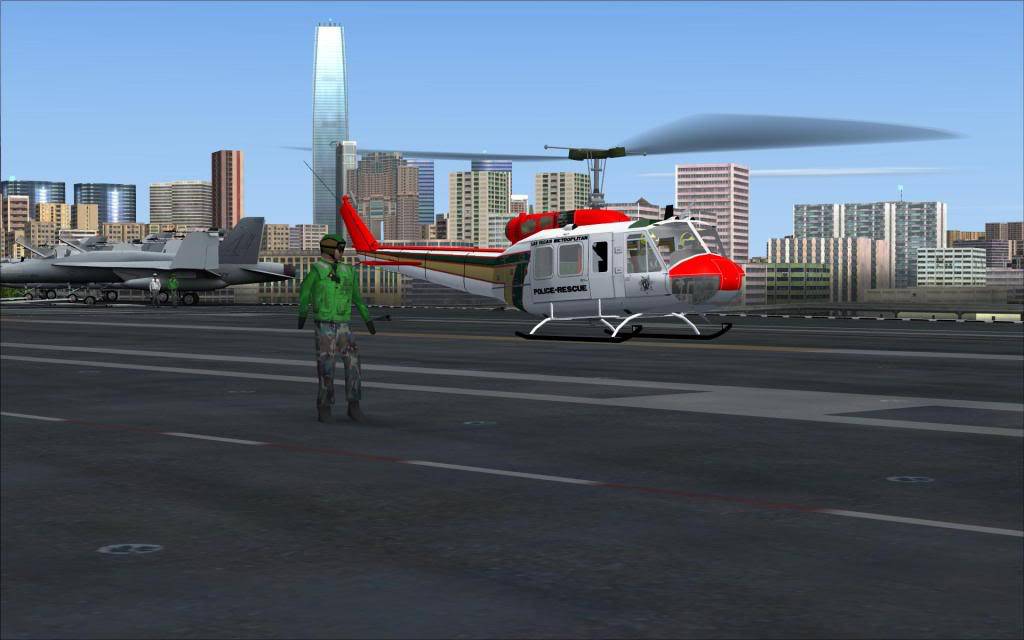
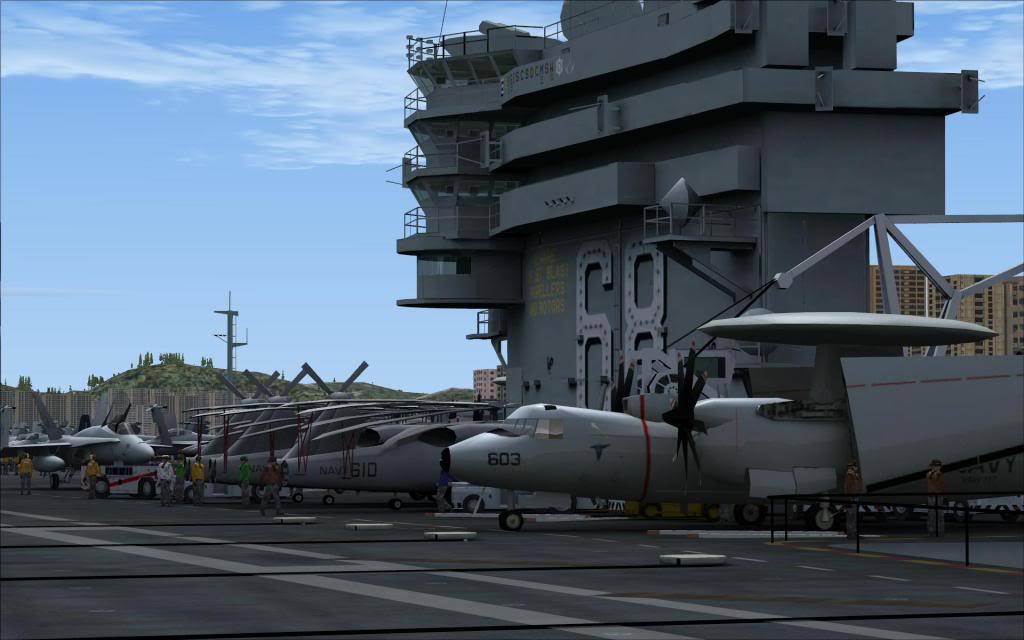
This is a much better ride 😛
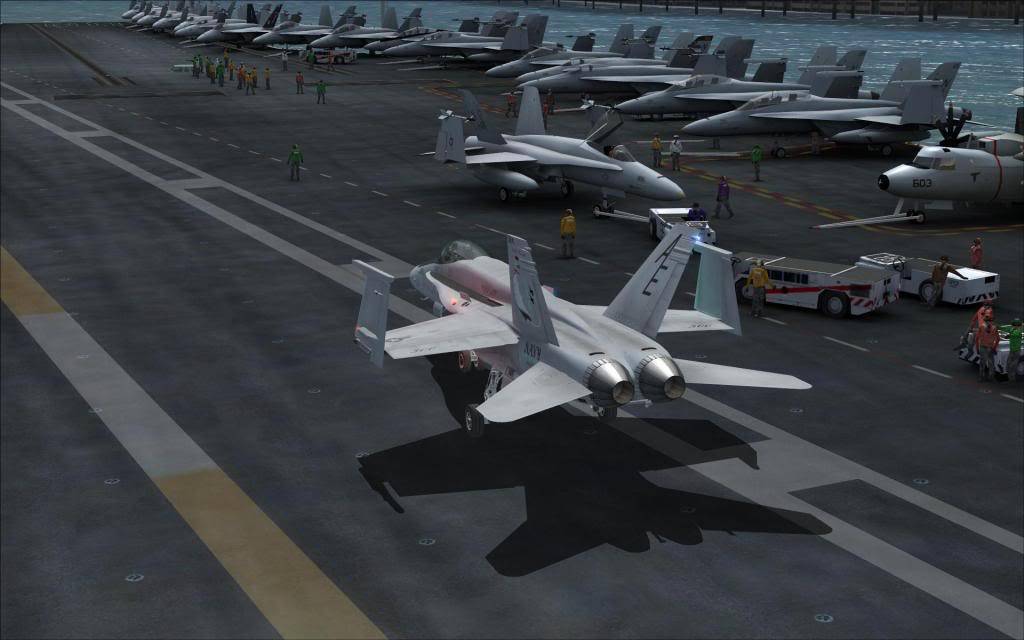
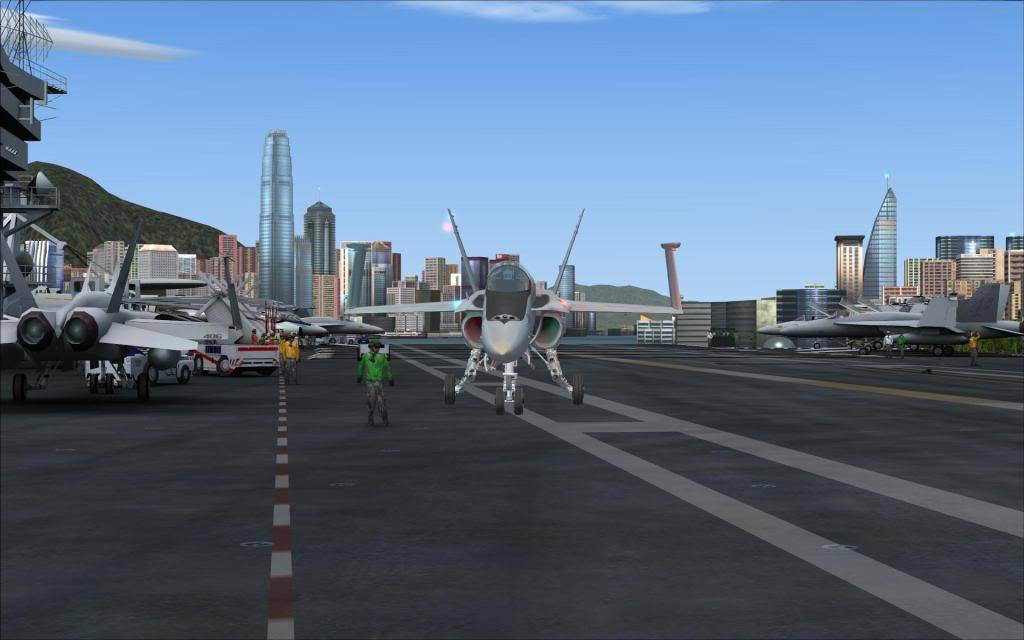
...shield's up - ready to go
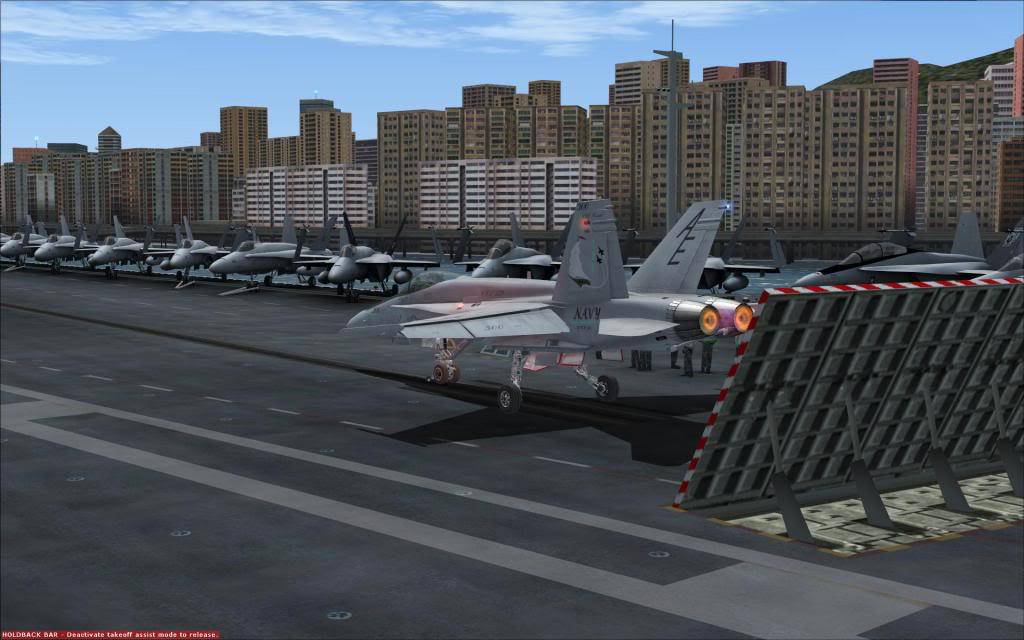
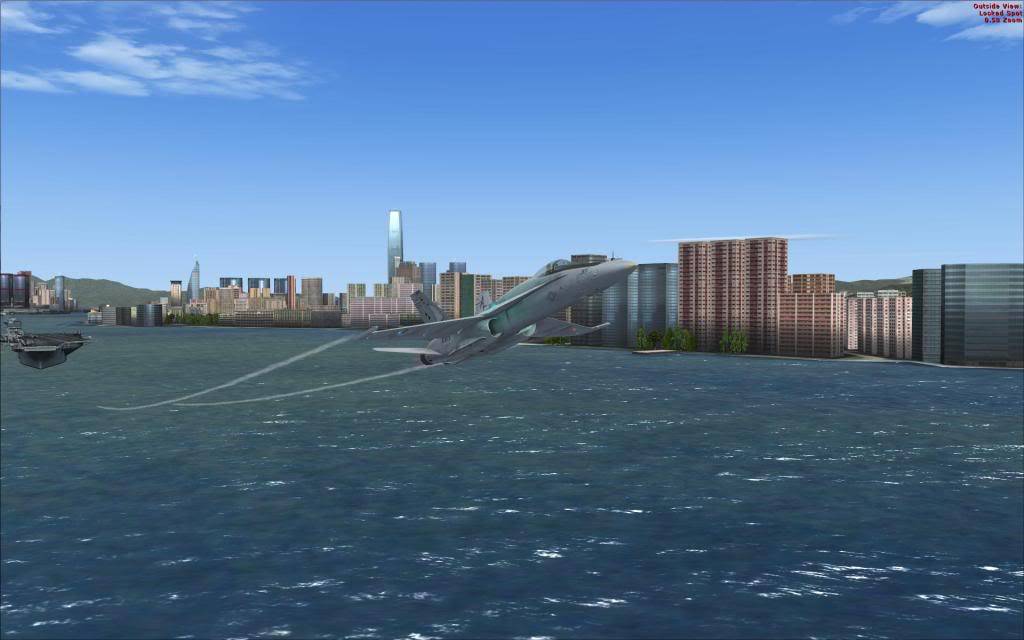
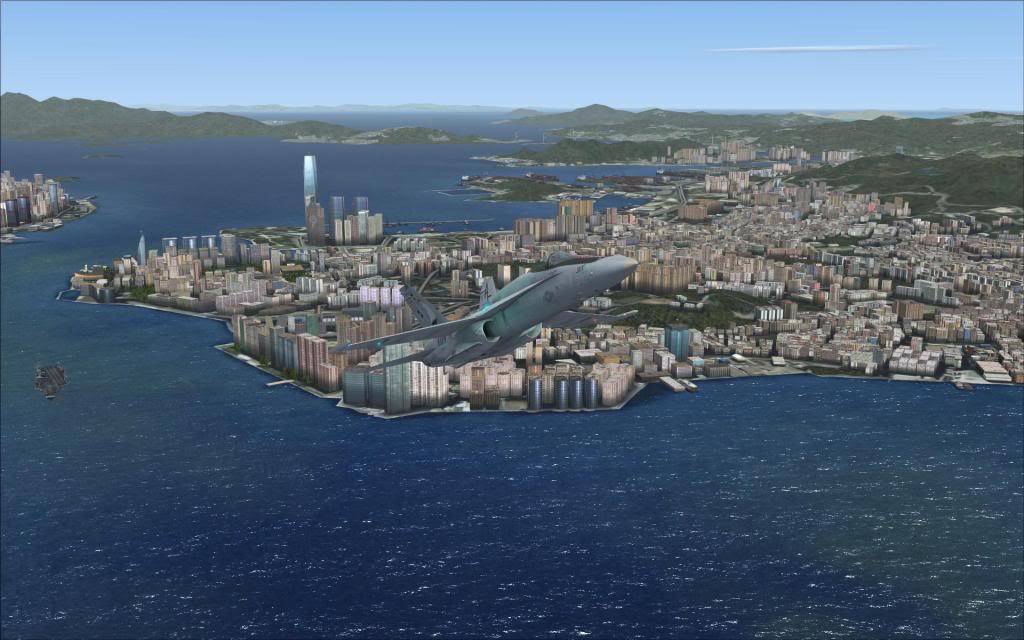
...wait a minute!! ...this ain't VEGAS
😳 😳 😳
 14 Answers
 Jump to latest

Yes it was. You must have gotten lost. The Tsunami hit shortly after your launch, and covered the entire world. Hope you can find a tanker. Here is that same location about an hour after your departure.
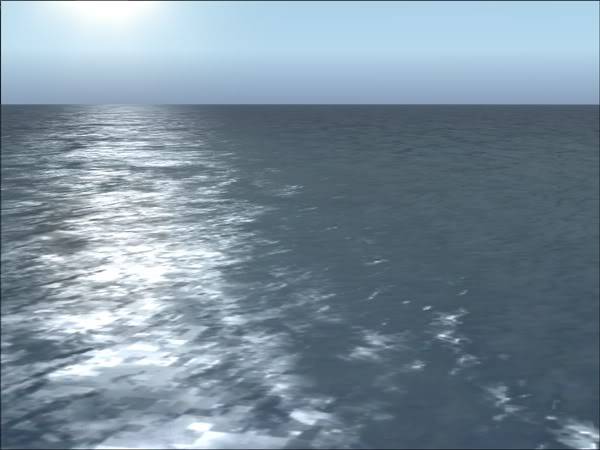
Later … Art


is that an addon?
If so, where did you get it?
If not what city?!

Great ones  !
!
Carrier is available here (freeware): https://flyawaysimulation.com/downloads/files/2618/fsx-aircraft-carrier-uss-nimitz/

I was sitting here looking through all these screenies like WTF? Tailhook got hacked or something?
You said vegas, and I said Kai Tak. You said FS9, and I see FSX. I was so confused D:
Really nice shots though!!

I like the first shot of the whole carrier deck... The lighting is pretty realistic, did you do any adjustments?
And did y'all miss me? Just got back from a 10 day trip to montana... No internet or cell service to be found, but beautiful mountain views and waterfalls all over the place... bliss... 😀
Thanks guys for not uttering awkward praises for these rather inferior piccies, it's not a competition and they were only meant to draw your attention to the best addition to FSX yet... my opinion of course.
Art we must be living on different planets - I'm still on dry land and you obviously were aboard some flying machine when you took the pic... let's hope you're not running out of gas 😀
BTW, your water textures look stunning... where can I swipe them 🙂)
You said vegas, and I said Kai Tak. You said FS9, and I see FSX. I was so confused D:
Raz I'd suggest you cut down on your visits to the art gallery

Bob I did think the first pic would be enough to give those who have ever seen a carrier in FS the basic idea. No, I don't do adjustments, edits and the like -- the pics are bad enough as it is, any "enhancements" would probably make them worse. The chopper on the deck is actually the Las Vegas PD but I couldn't even get that into focus.
...and of course we missed you. There were rumours going around that one of them big bears had eaten you. Montana... isn't that where they shot "Deliverance"? 
Tailhook wrote:
Raz I'd suggest you cut down on your visits to the art gallery
Lmao XD

Hi there !
The link for the carrier doesnt work ! do you have another link or the name of the freeware add-on ?
Thanks
uss_nimitz_ike.zip here:
https://flyawaysimulation.com/downloads/files/2618/fsx-aircraft-carrier-uss-nimitz/
Tailhook wrote:
uss_nimitz_ike.zip here:
https://flyawaysimulation.com/downloads/files/2618/fsx-aircraft-carrier-uss-nimitz/
Perfect ! I downloaded it ! I tried to replace the default carrier in the missions, the only problem it seems like the USS Nimitz 68 model #2, is a little bit not aligned with the original mission coordinates, so when on final the aircraft looks at centerline, but in reality it will be off center line.
Do you have any suggestions about how to make it fit exactly in the original one's spot ?
Thanks again
Ha, it never occurred to me to replace the Acc. default carrier, ever since Javier's Nimitz I haven't even bothered with the Acc. one.
I have found a possible solution though, mind you, I haven't tried it myself:
QUOTE (ESzczesniak @ Jun 20 2009, 06:01 PM) *
So, is there anyway this can be used to replace the default carriers?The moving Acceleration carriers? Yes.
The default FSX boat traffic BGL reffers to the default carriers by
the text in the "title=" entry of the sim.cfg files so 'moving' those
"title=" names to a new model will automatically replace the default
carriers with the new one(s). This, however, will NOT replace the
'static' CV's. When you have moving CV's why bother with the static ones? 🙂Under 'SimObjects\Boats' go to folder "veh_carrier01_high_detail_sm"
In the sim.cfg file comment out this line:title=veh_carrier01_high_detail_sm
In the folder "VEH_carrier01" sim.cfg comment out this line:
title=VEH_carrier01
Those changes effectively remove the default CVN's.
Now, in this new "USS_NIMITZ" folder open the sim.cfg file.
Add two new entries:[fltsim.24]
title=veh_carrier01_high_detail_sm
model=CVN69_12
texture=CVN69_2[fltsim.25]
title=VEH_carrier01
model=CVN69_12
texture=CVN69_2Choose the "model" and "Texture" combinations that you prefer
and substitute those in the above entries.Paul
The above is taken from this topic at Avsim.
In case you haven't got it yet, I'd strongly recommend to get AICarriers2.zip available here: https://flyawaysimulation.com/downloads/files/2687/fsx-ai-carriers/
You might also be interested in the AI Boat Traffic Compiler here:
https://flyawaysimulation.com/downloads/files/2688/fsx-boat-traffic-compiler/
Have fun!! 😀
I just tried Paul's method above, it works like a charm!
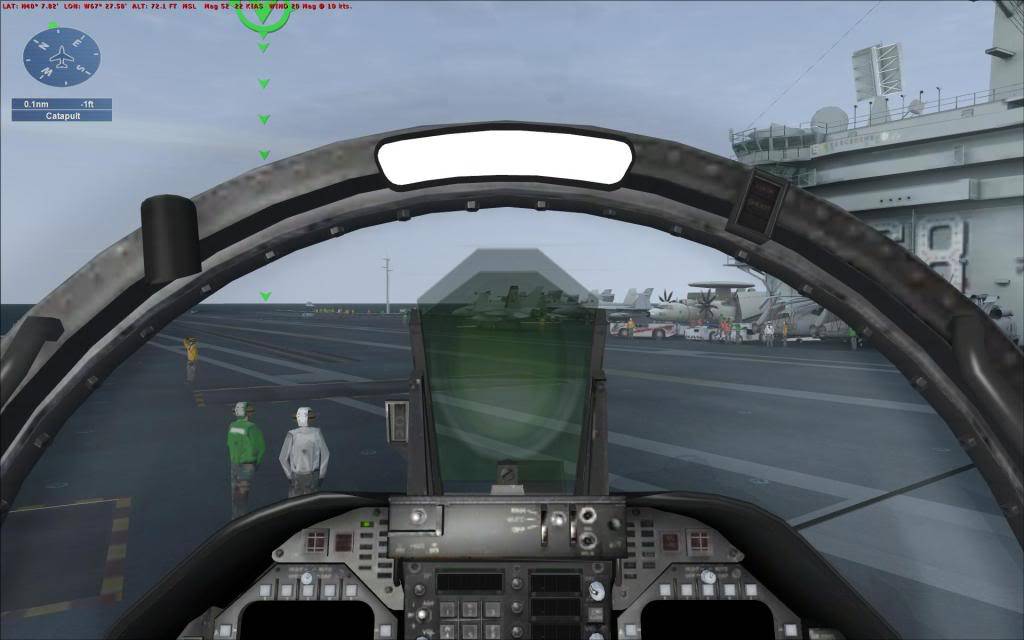
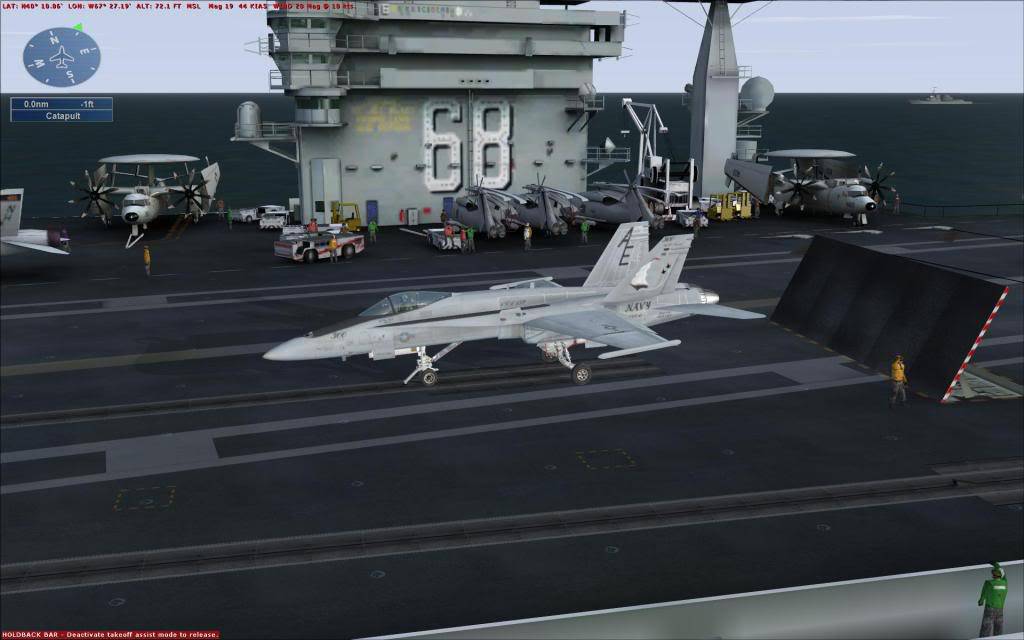
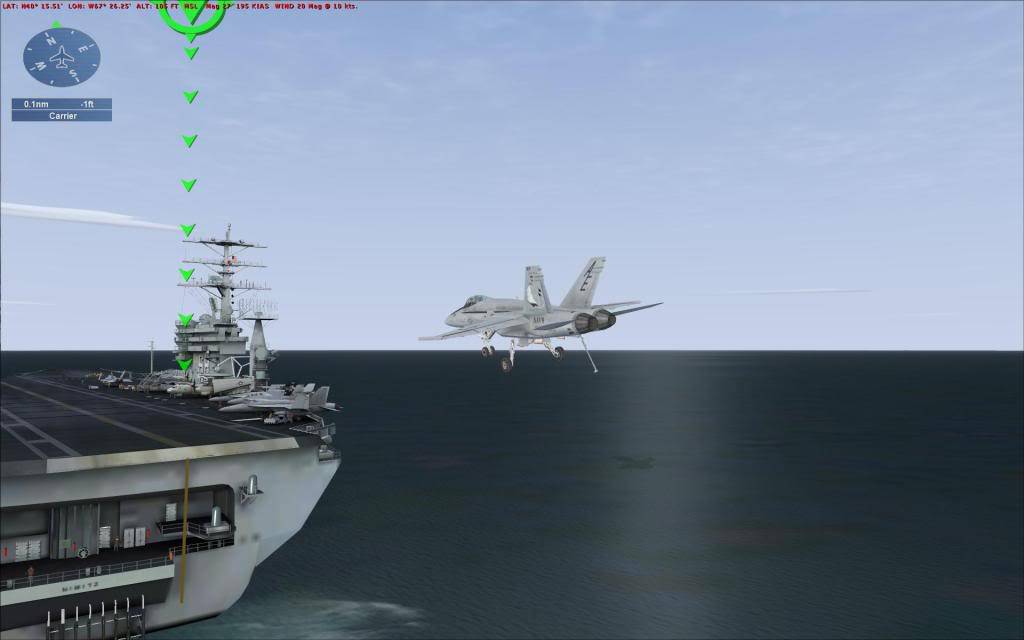
No, no... this isn't going to be a bolter: this is going to be a controlled touch-and-go 😛
...perhaps raising the tailhook would be an idea 😳
Thanks mate ! I was able since the beginning to replace the default one, tha only problem is that the triggers of the original missions are not aligned to the new Carrier models, so you result off centerline when you visually are flying on centerline !
Thanks any way for the help and i think to get things work somebody have to modify the mission triggers etc..
In your original post you are referring to "the original mission coordinates" which appear the same to me now after having replaced the carriers.
Now you're mentioning "mission triggers" which seems to be part of the multiplayer vocabulary. Can't help you with multiplayer and the like, sorry - but this: "...you result off centerline when you visually are flying on centerline !" is a great mystery to me... a screenshot might help 😎

Still does not answer your question? Ask a new question!
If the question and answers provided above do not answer your specific question - why not ask a new question of your own? Our community and flight simulator experts will provided a dedicated and unique answer to your flight sim question. And, you don't even need to register to post your question!

Search our questions and answers...
Be sure to search for your question from existing posted questions before asking a new question as your question may already exist from another user. If you're sure your question is unique and hasn't been asked before, consider asking a new question.
Related Questions
Flight Sim Questions that are closely related to this...

