Asked

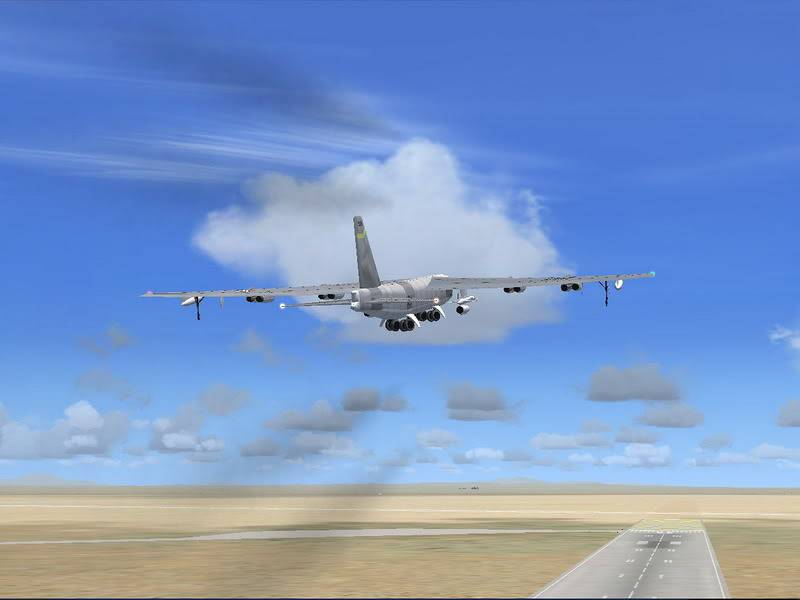
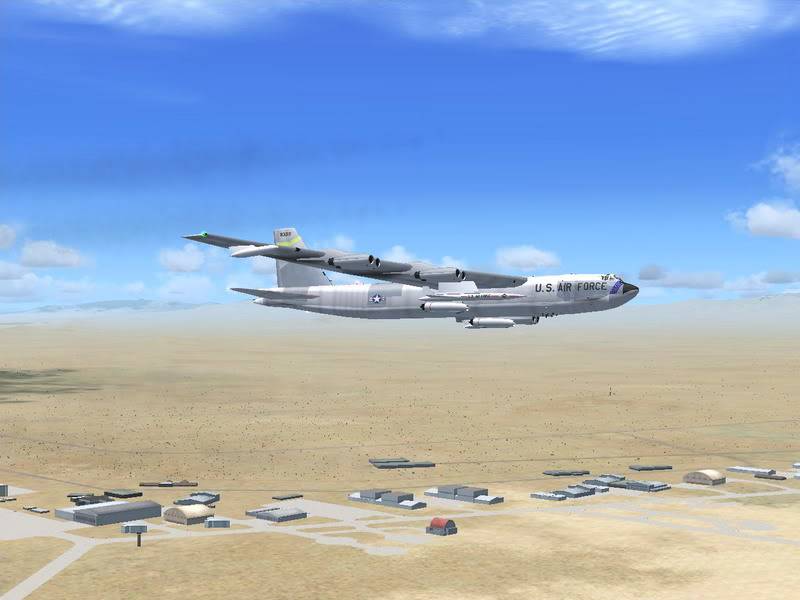
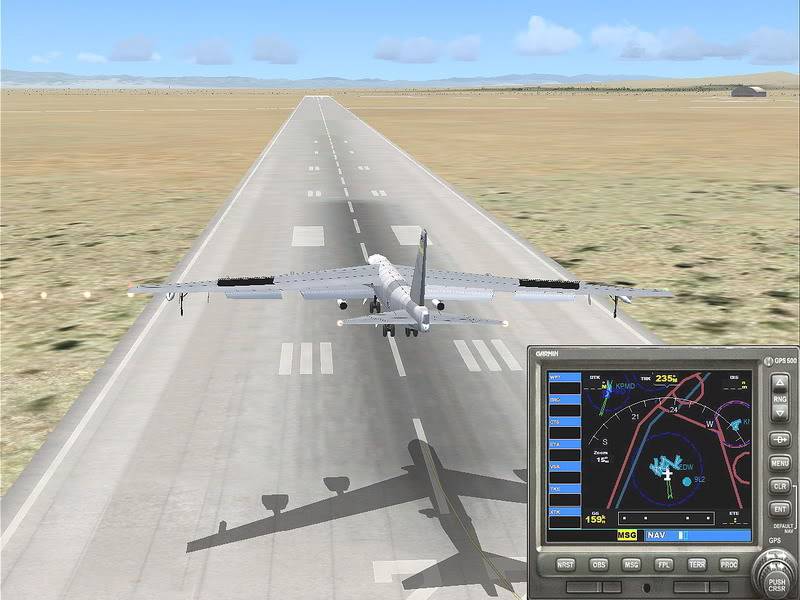
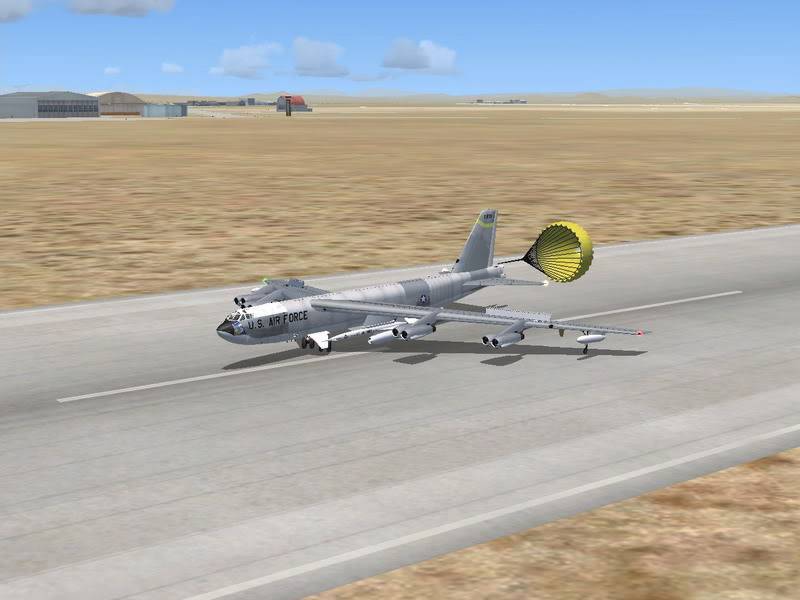
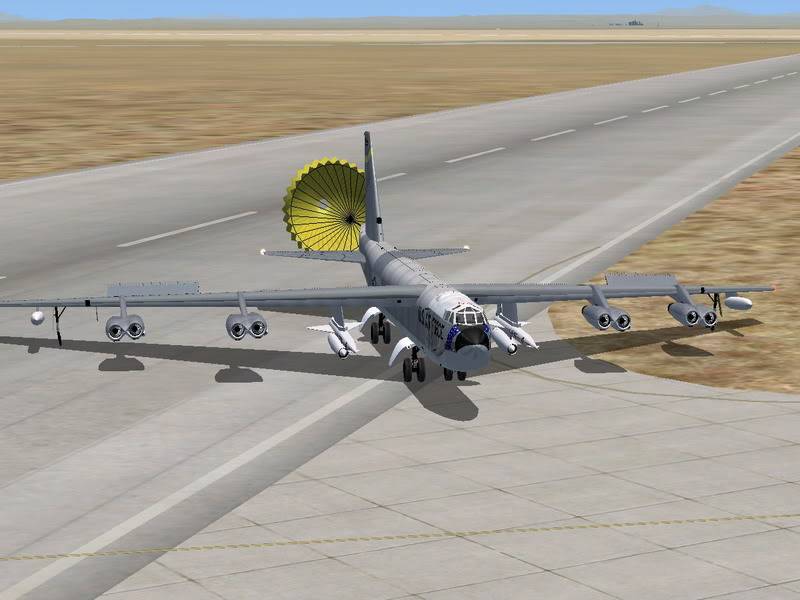
FSX B-52 by Alphasim taking off from Edwards AFB (KEDW) and doing a 180 to land back at the only strip a GA pilot like me can find to handle a behemoth like this.
Download---> http://tinyurl.com/sjsds

Comments both good and bad more than welcome.
Radar

Answers 15 Answers

Answered

nice pics,so you got the aircraft from alphasim?...by the way your co-pilot is ugly 😂

Answered

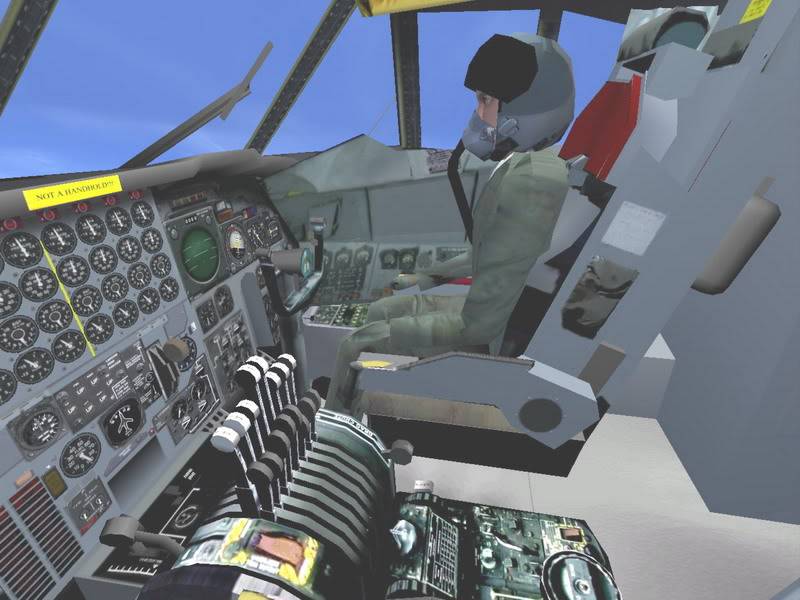
First I will answer that one nagging question "Why is your copilot so ugly?"
Its part of USAF regulations

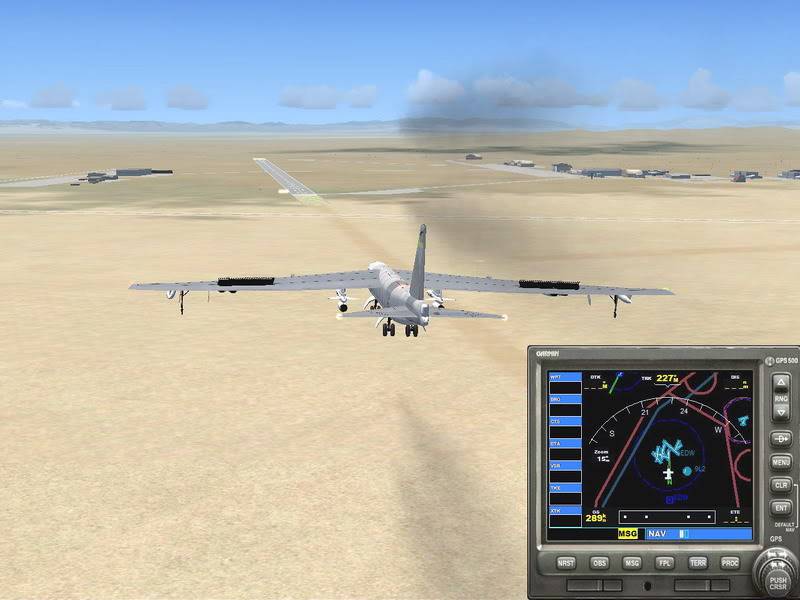
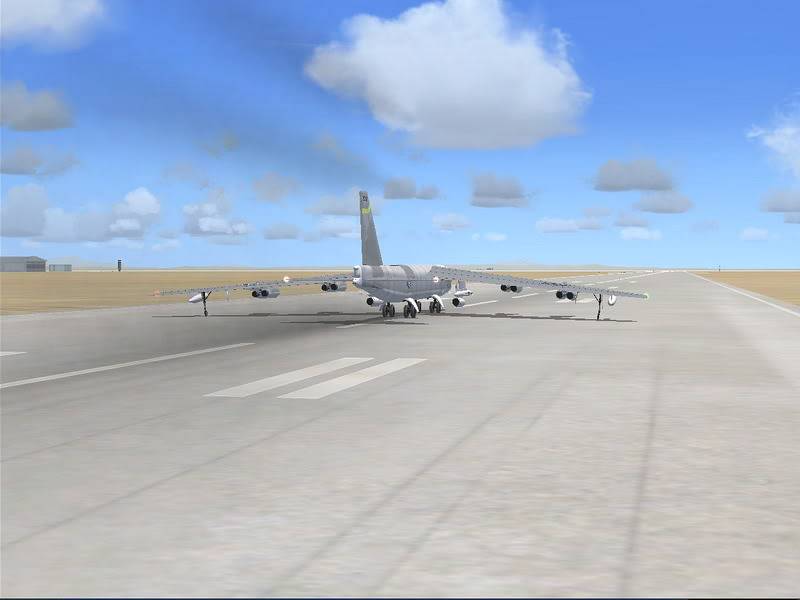
My only comment is in the last picture as you exit the runway--you drag the left wing in the dirt, thus resulting in a damaged aircraft (In real life)

Big wings, need big turns

Answered

CaptDennison wrote:

First I will answer that one nagging question "Why is your copilot so ugly?"
Its part of USAF regulations

My only comment is in the last picture as you exit the runway--you drag the left wing in the dirt, thus resulting in a damaged aircraft (In real life)

Big wings, need big turns

Ugly? His mother loves him, his dog does also. 😀

I'm happy just to land something that large in one piece 😂

I am unhappy with the bad desert textures.

Radar

Answered

Great pics, question for you. How do you get the GPS to be up on the screen like that. Can it be on any view, such as the Virtual Cockpit?

Answered

JamieLindemann wrote:

Great pics, question for you. How do you get the GPS to be up on the screen like that. Can it be on any view, such as the Virtual Cockpit?

Download and print this out.

https://flyawaysimulation.com/downloads/files/1333/fsx-controls-keyboard-commands/

Most modern aircraft have them, press "Shift+1, then 2, 3, 4"
I found it's usually 3 or 4 that has it.
You can move it and resize it with your mouse.

Radar

Answered

Nice Pics

Using the GPS and PID(I think thats what its called: horizon, airspeed, etc.) displays while being in the Locked Spot is how I prefer to fly. I like to be able to look at my plane, its so pretty... Wink

Answered

Hi,
Are you sure about the B-52 to be compatible with FSX ? It is posted as Fs2004 on Alpha's page ?
Paul

Answered

Nice plane but I don't do so good with jets unless your looking for a lawn dart type of landing

Answered

ThunderRide wrote:

Nice plane but I don't do so good with jets unless your looking for a lawn dart type of landing

Try a free B-52 when you can find one, it's a lumbering giant that handle very easily, I have problems with jets also.
I just fly GA and vintage but this old workhorse has always been one of my favorites.

Radar

Answered

Hey radarman, how did you get that from alpha sim. I go there all the time but I see the b52 and it says ***FS2004 ONLY***

Answered

bawls327 wrote:

Hey radarman, how did you get that from alpha sim. I go there all the time but I see the b52 and it says ***FS2004 ONLY***

That's the one, it happens to work for me in FSX.

Radar

Answered

bawls327 wrote:

Hey radarman, how did you get that from alpha sim. I go there all the time but I see the b52 and it says ***FS2004 ONLY***

Yeah I got mine to work in FSX also. I take off from Barksdale AFB in my home town. The real life pilots do touch and go's out of there all the time and I see them all the time when I'm out driving around town. Barksdale has a lot of B52's.

Answered

I know this thread is old, but, anyone mind telling me how they got there FS2004 version working in FSX ?

Answered

avgas wrote:

I know this thread is old, but, anyone mind telling me how they got there FS2004 version working in FSX ?

I doubt that the gauges will work since it's FS9.
I think someone just came out with a new one for FSX.

Capt sim????

Radar

Still does not answer your question? Ask a new question!

If the question and answers provided above do not answer your specific question - why not ask a new question of your own? Our community and flight simulator experts will provided a dedicated and unique answer to your flight sim question. And, you don't even need to register to post your question!

Ask New Question...