
Asked

Hi all,

Today, when I was using FS Paint, I encountered a problem.

I selected a texture to edit and paint, double clicked on it to edit and this comes up:
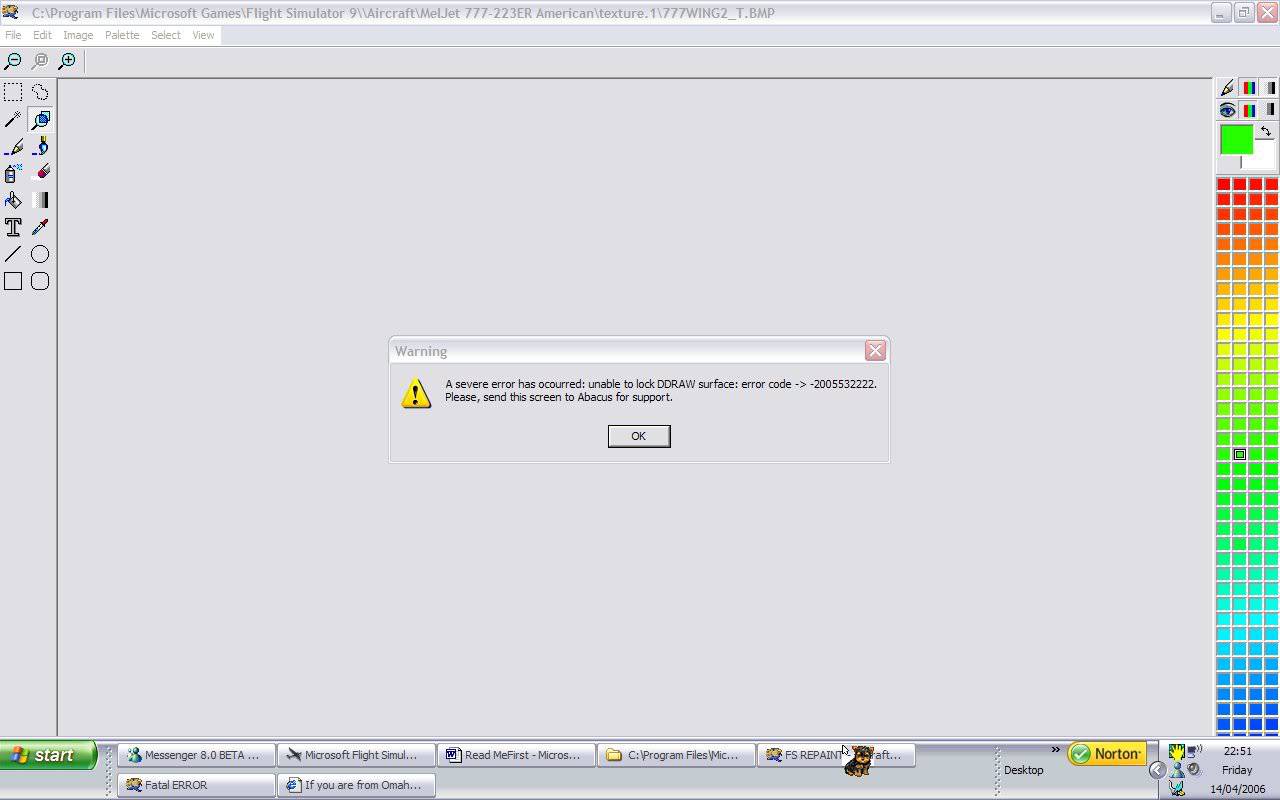
Does anyone know a way around this?

This doesn't happen for all textures of the aircraft that I was repainting.

This is the aircraft that I am repainting:- 'meljet_777-223er_american' which can be found at avsim.

Any help is appreciated!!!

Answered

Sorry for cant help you SteveT,but did you notice that you post in double??? 😉

Answered

Post in double?

Answered

oreo005 wrote:

Post in double?

The same post from SteveT is here aswell

😉

Answered

oh, ok

Answered

That error roughly translates to: Something went wrong, but we don't know what. Reporting it to Abacus may make you feel better. 🙄

My guess is that the program tried to access memory that it didn't own.

Abacus is the publisher, but not the developer of FS Repaint so reporting the problem to them may or may not help.

Is the problem continually happening when you work on a specific texture, or was it a one time thing?

Still does not answer your question? Ask a new question!

If the question and answers provided above do not answer your specific question - why not ask a new question of your own? Our community and flight simulator experts will provided a dedicated and unique answer to your flight sim question. And, you don't even need to register to post your question!

Ask New Question...