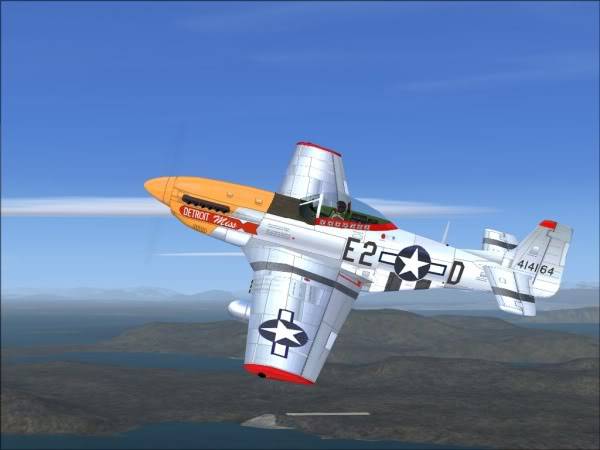
Make life easy for yourself and get this one:
Obviously the 2D panel won't have any gauges since it's been developed for fs9 originally. It flies perfectly in FSX though - the screenie above is FSX.
Fly it as it is - if you decide that you want a panel with gauges that work, put another one in. I just copied and pasted the one out of the DG808S - probably politically incorrect, but it looks cool, the gauges work and it's a hoot.
If you don't like the DG808S panel, try another one as long as it's out of an FSX default prop aircraft. If you keep copying and pasting (and overwriting) the panels until you find the one you like best, you won't cause any harm because this P-51 aircraft doesn't need any gauges, effects or other components to be installed in various folders.
To recap: Just place the stpma folder into SimObjects / Airplanes and that's it. Fly it for a bit and then find an FSX panel you like and place it into your P-51 folder. Overwrite when prompted. Works like a charm!
Here's the link ➡ (dead link removed)
😎




 Trainee
 4 Answers
 Jump to latest

 Chief Captain