My guess is that that the sim remembers bits (such as AP settings) from a previous flight and loads those, causing havoc and misbehaviour.
Firstly I'd make sure in the 'Create a Flight' window that I've got the Default flight selected.
Secondly I'd suggest you go to 'Documents' or 'My Documents' (depending on your OS) and empty the 'Flight Simulator Files' folder -- this will get rid of any saved flights which might be the cause of your problem.
P.S.: You can even delete the 'Flight Simulator Files' folder completely, FS2004 will build a new, clean one upon start-up of the sim the next time.
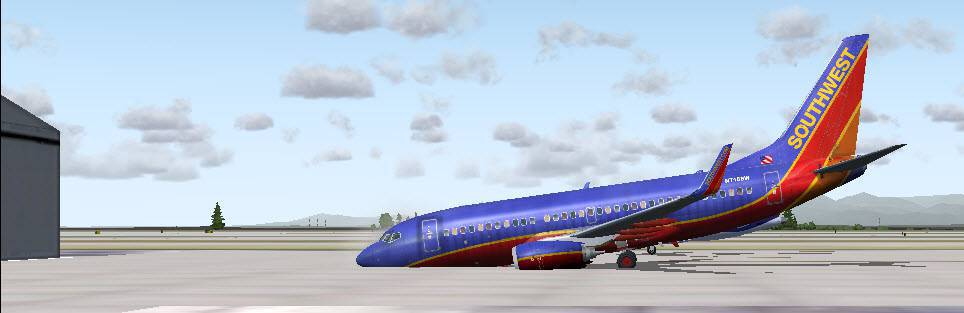
Having said this, thre are a/c which will crash on the tarmac as soon as they're loaded just as you illustrated with your screenies.
Selecting the default flight i.e. the C172 Skyhawk at Tacoma Intl. first and loading it and then, after pausing selecting the a/c you want to fly and your dept. location will usually remedy the problem.
As an aside, the same anomaly can occur with the sim loading the wrong soundset. It is rare but the remedy is the same: Load the default flight first, pause and then select the a/c you want to fly.




 Trainee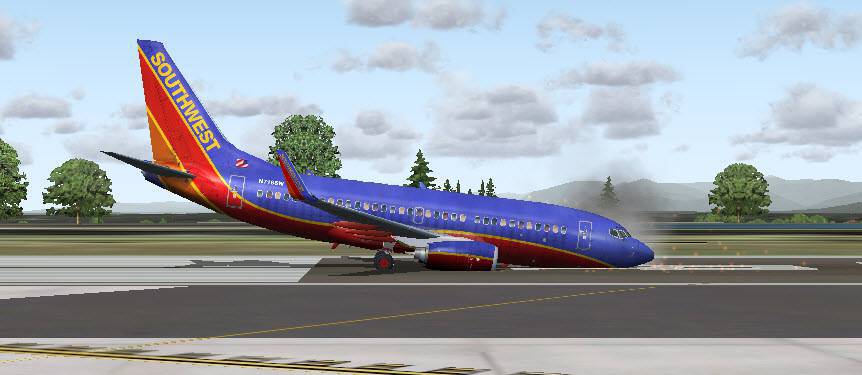
 1 Answers
 Jump to latest

 Chief Captain

