Asked

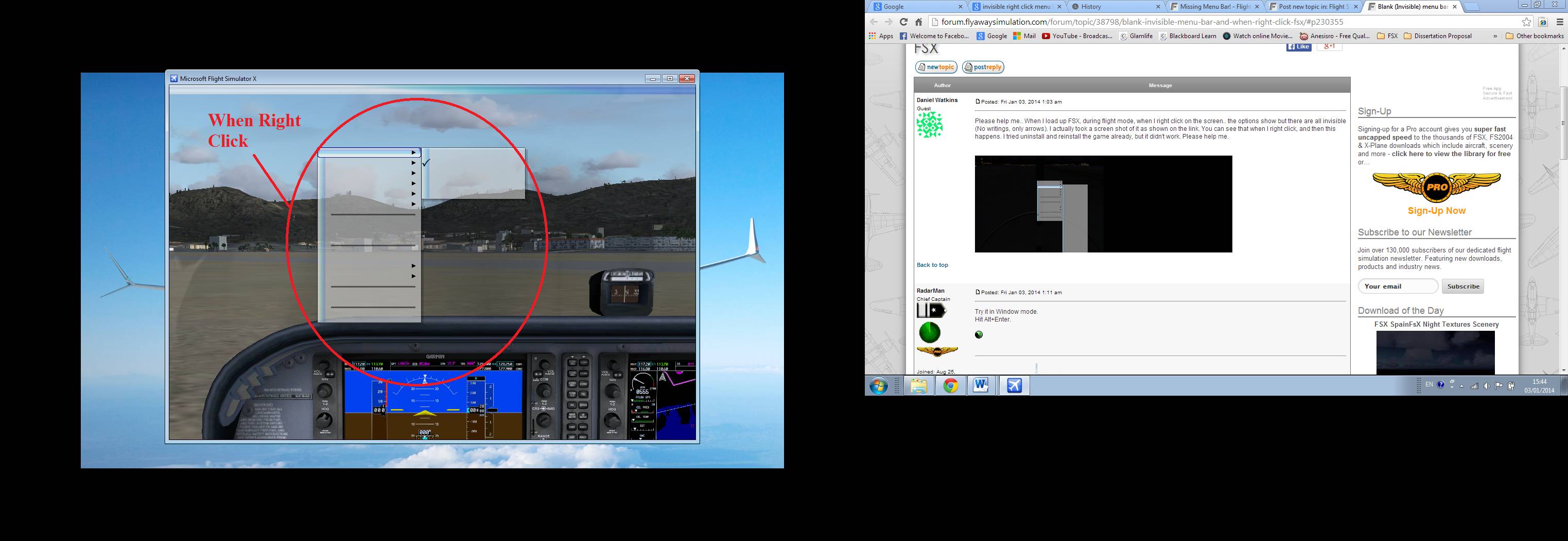
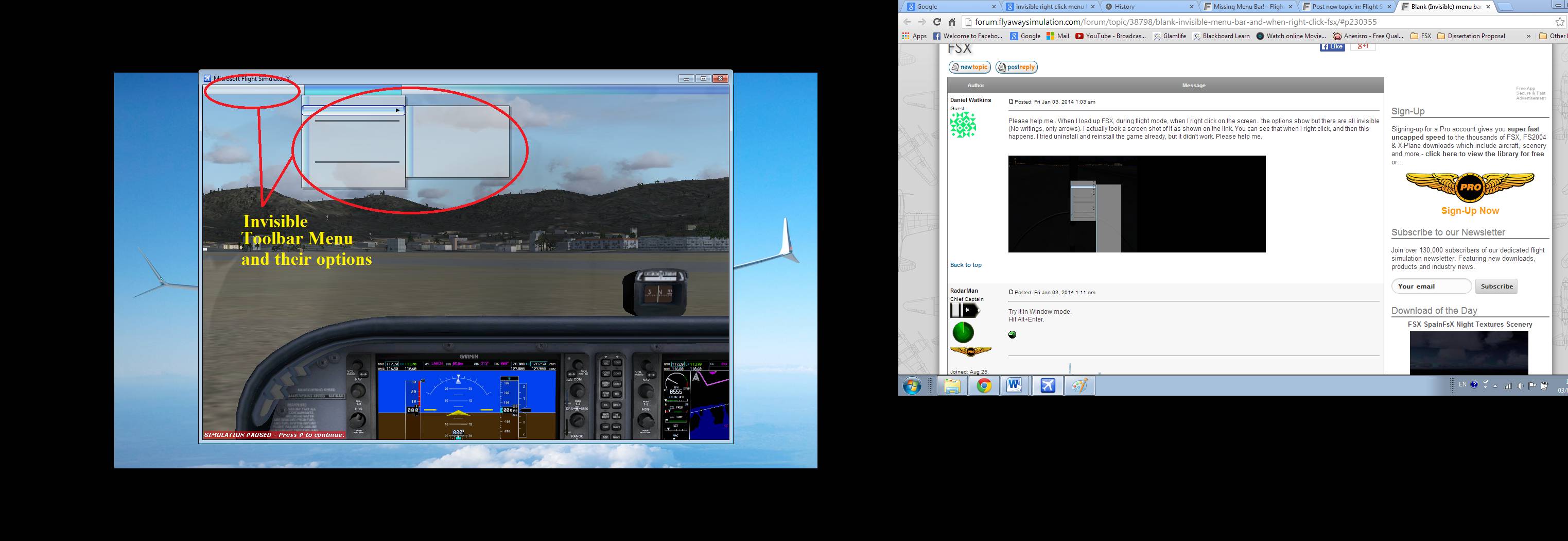
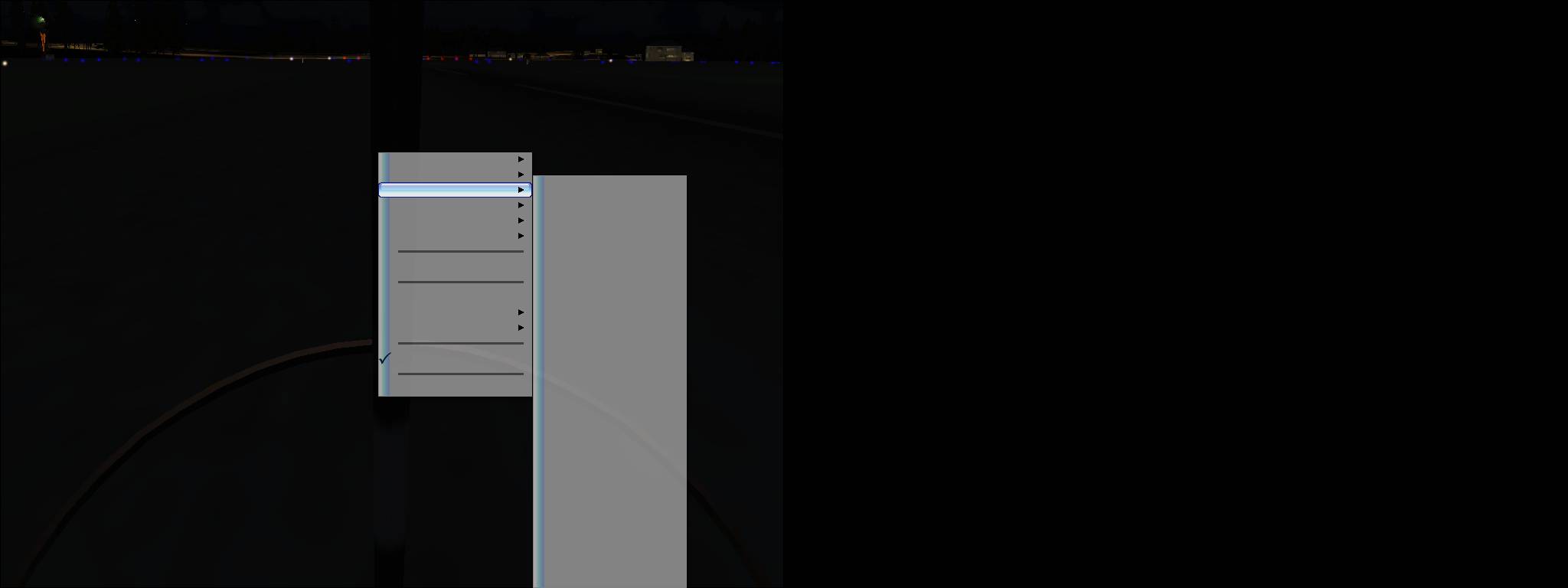
Please help me.. When I load up FSX, during flight mode, when I right click on the screen.. the options show but there are all invisible (No writings, only arrows). I actually took a screen shot of it as shown on the link. You can see that when I right click, and then this happens. I tried uninstall and reinstall the game already, but it didn't work. Please help me.

Answered

Try it in Window mode.
Hit Alt+Enter.

Radar

Answered

Dear RadarMan,

Thanks for the advice, however, the problem is not yet resolved. I hit Alt+Enter to Window mode, still the same as shown in the pictures (links) below. Please help me Crying or Very sad

Answered

Dear RadarMan,

I have followed the instruction on the link you provided. Still the same, problem is still not yet resolved. Please help, anymore suggestion?

Regards

Dan

Answered

1-Drop in disk #1 and choose repair.
2-Delete the fsx.cfg and let the sim build a new one.

See if either if these work.

Radar

Answered

Dear RadarMan,

I have tried both of your suggestions (1) insert disc 1 to repair and (2) Delete the fsx.cfg to rebuild. The problem is still not resolved. I'm getting very nervous, please help. Any more suggestions?

Kind Regards

Dan

Answered

The last suggestion before reinstall is to hold down the Alt button for a while, the bar may appear.
Sorry but I've run out of ideas.

Radar

Still need help?

Ask a new question

If the answers above don't cover your specific issue, ask your own. Our community and flight simulator experts will give you a dedicated, unique answer. You don't even need to register to post.

Ask new question